Chat: a coding agent inside the console
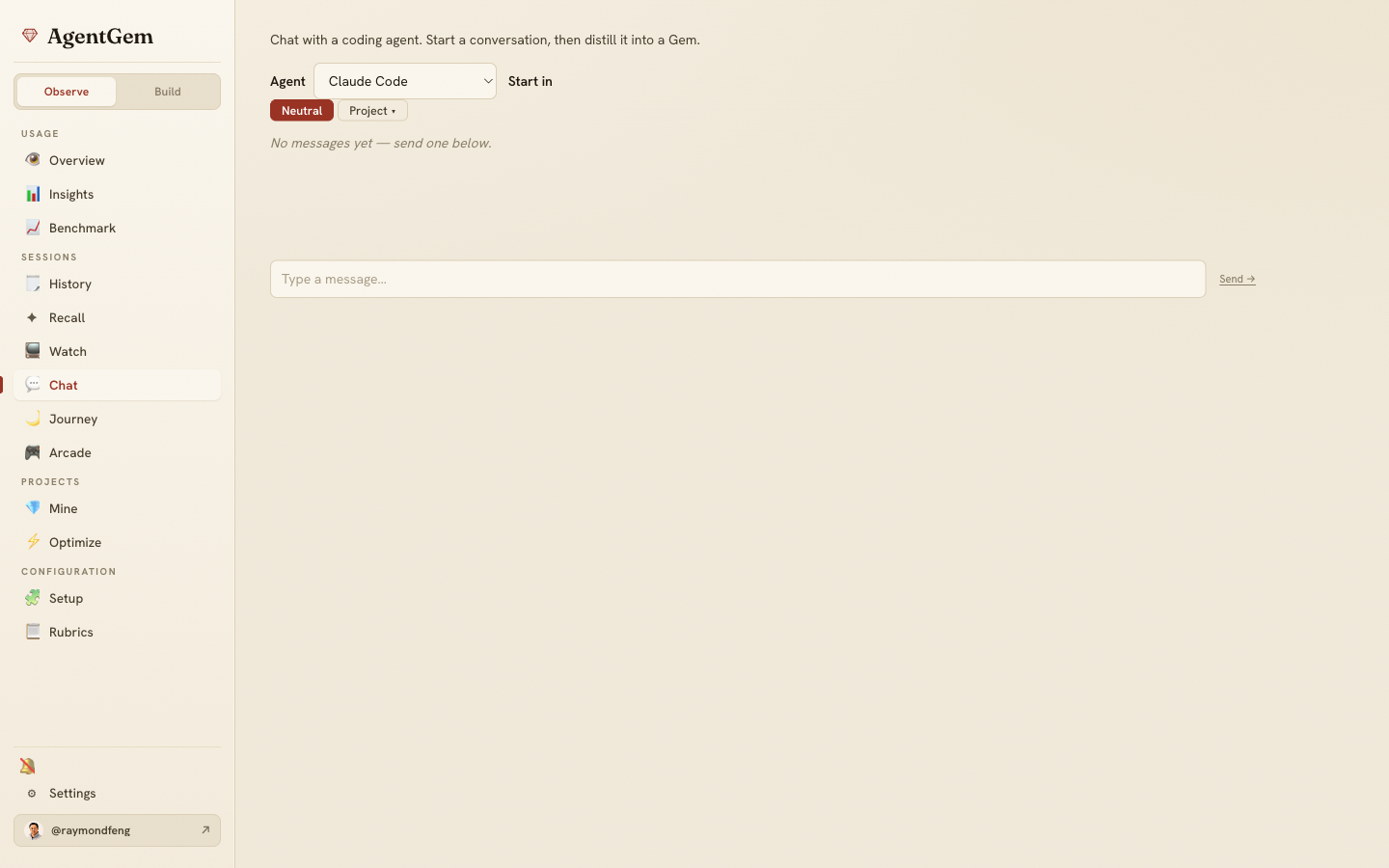
The Chat tab (#/chat) drives a local coding agent — Claude Code or
Codex — from inside AgentGem, and hands it your session history as tools. Start a
conversation, explore, then distill it into a Gem without leaving the app.
Pick an agent
A single dropdown lists the agents AgentGem can run, from the roster at
GET /api/agents. If the adapter for one isn't installed yet, you can install it
inline: a consent prompt explains it downloads the adapter's npm package (~260 MB)
and runs it locally, then the agent becomes available. Agents run over the
Agent Client Protocol (ACP), the same local
transport Analyze uses.
Start in a project (or stay neutral)
A Start in launcher (the same Global/Project picker used across the console) chooses where the agent runs:
- Neutral (the default) — the agent runs in a scratch directory
(
~/.agentgem/.agentgem/chat), with no project checked out. Good for a general conversation about your sessions. - A project — point the session at one of your repos so the agent can read that project's files while you talk.
The chosen project is validated server-side against an allow-list of your discovered and recent projects before the agent connects — a raw path from the browser is never trusted as a working directory. The launcher locks once a chat starts, so a conversation can't be re-homed mid-flight.
Chat runs the agent read-only: it can read your files and query your history, but it doesn't edit them. (Editing is the job of Play → Studio, where the agent is granted write access jailed to a single miniapp directory.)
Grounded in your history
Every chat session is wired to the agentgem-goldmine MCP server (see
Recall) and seeded with a briefing, so
the agent can already answer "what did I do last time I set up auth?" by searching
and reading your past transcripts — not just the current context. Assistant replies
stream in, and each tool call the agent makes shows as a chip so you can see it
searching your sessions.
Type while it's working
You don't have to wait for the agent to finish. Type and send while a turn is
streaming and your messages queue — they coalesce and flush as the next turn
the moment the current one ends. To stop the current turn instead, Interrupt
(beside Attach files in the composer) cancels it at the ACP session/cancel
seam; the stream reports the turn's stop reason, and anything you'd queued is
preserved so you can resume cleanly. The same queue + Interrupt work in Studio.
Draft a Gem from the conversation
Once a chat exists, a Draft a Gem ◆ button turns the conversation into a candidate Gem — the natural bridge from "I just figured this out by talking it through" to "package it so I can reuse and share it." From there it's the normal testbed flow: refine the selection and build.
On the desktop app
The Claude Code and Codex ACP adapters are bundled into the
desktop app, so Chat works there with no separate npm install and
no global adapter on your PATH.